Ball Tilt Game·Side Build · Mobile gameLive

Your phone is the controller. Tilt it. Roll the ball into the hole.

5
Levels
2
Control modes
1
Feature born in conversation
6
Deploys to fix tilt direction

A browser-based game where you tilt your phone like a tray to roll a ball into a hole. 5 levels of increasing difficulty, a speed picker, and one feature I came up with mid-conversation that made the whole thing more fun. This is a writeup of how it came together — and what I learned by actually playing it.

The phone is the controller. Not buttons — the device itself.

The concept was simple: build a game that uses the phone's accelerometer to move a ball. Not a screen rotation — not portrait flipping to landscape — but continuous tilt. Hold the phone flat like a tray, and the ball rolls the way gravity would pull it. The whole screen becomes a physical surface.

On desktop, arrow keys or WASD give you the same control without the tilt. The game works everywhere, but it was designed to be played on mobile — held in two hands, tilted.

The distinction that mattered: the game reads the raw gravity vector from the accelerometer — not the screen orientation event. This means the ball responds to how much you're tilting, not which way the screen is facing. It's the same mechanic as a real wooden marble labyrinth.

The live game is at ball-tilt-game.vercel.app — best on mobile.

Ball Tilt Game — menu screen showing speed picker, Rage Bait Mode toggle, and Play button
The feedback that mattered came from using it on a real device.

Building this iteratively — rather than from a complete spec upfront — meant the quality came from playing it seriously and noticing what felt wrong.

01
“The ball feels too slippery”
Normal speed was hard to control — the ball shot across the screen with minimal input and overshot the hole repeatedly. This wasn't a technical observation. It was a feel observation. The friction and speed needed tuning down. The game got noticeably more playable after.
02
“It's going in the opposite direction of where I'm tilting”
On a real phone, the ball moved the wrong way. This could only be caught by actually holding the device and playing. Six iterations of small axis corrections later, all four directions worked correctly.
03
“Next Level wasn't advancing”
After completing Level 1, clicking Next Level left you on the same level. A state management issue. Caught in play-testing, not in code review. Fixed cleanly.
04
All 5 levels checked individually
Open field → single wall → L-shape → staggered corridor → full maze. Each level was played to confirm the ball starts correctly, the hole is reachable, and the walls do what they're supposed to.
Ball Tilt Game — Level 1: Open field
A product idea raised mid-conversation. Shipped in minutes.

No ticket. No spec. Just a thought mid-session:

“Let's also add a feature where the user can select a rage bait version — where the ball moves in the opposite direction of the tilt.”

The toggle is on the menu screen, styled in red-orange so it reads as dangerous before you even turn it on. Off by default. When it's on, every input is flipped — tilt right, ball goes left. Arrow key up, ball goes down. It works on mobile tilt and desktop keys both.

It's a genuinely good feature — harder, funnier, and it reframes the whole game for people who've already completed the levels. It came from just playing it and asking “what if it was worse on purpose?”

The point: features that come from using a product are different from features that come from a brief. This one only existed because someone played the game and had a thought.

Two builds. Two workflows. Both useful.

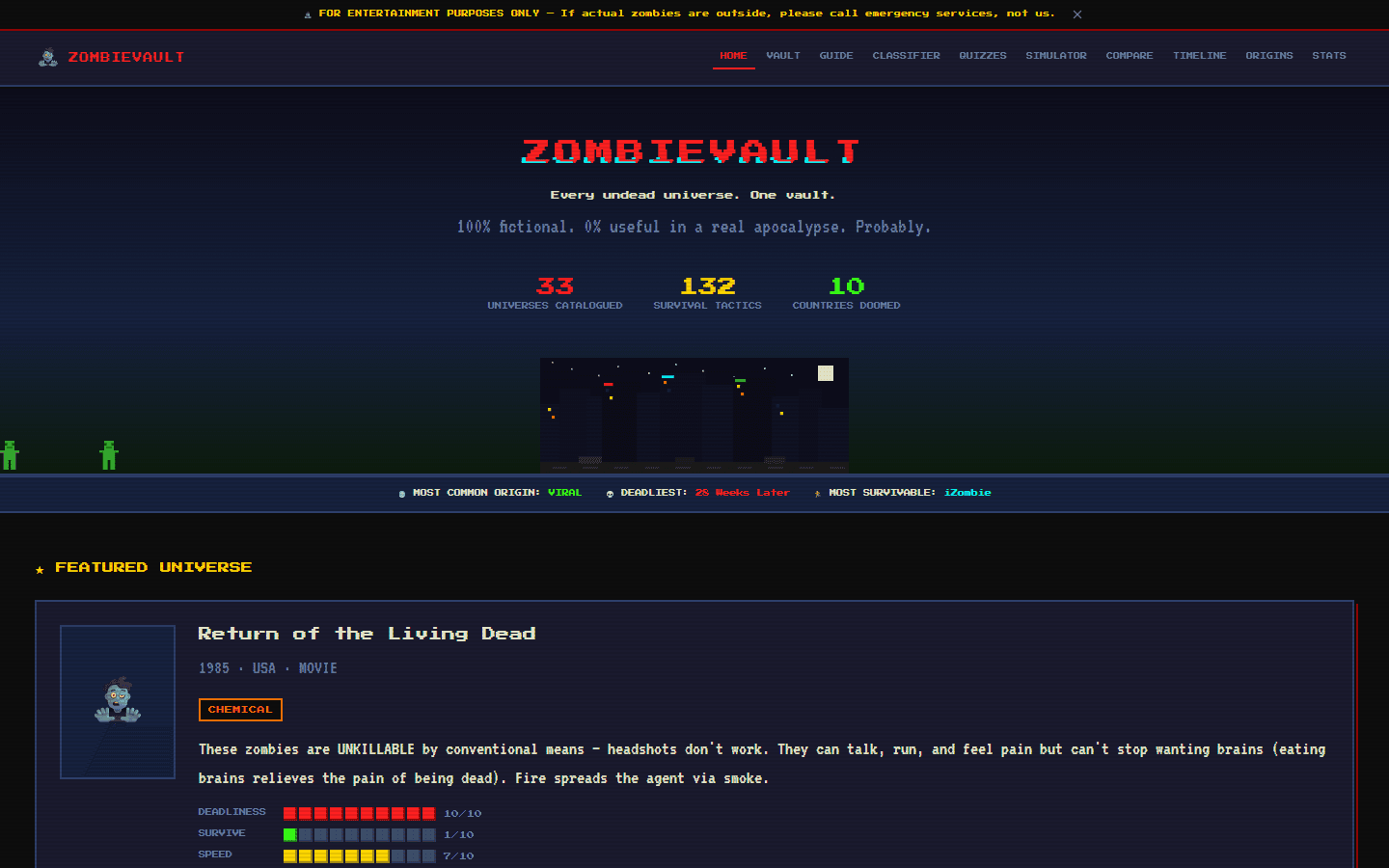
ZombieVault was spec-first — a 900-line document written before a single line of code. Ball Tilt Game was iterative — an idea, a build, then a series of real observations from actually playing it. Different projects call for different approaches.

Spec-first works when scope is complex
When a product has many moving parts — a database, 12 page types, multiple interactive tools — investing in a complete brief prevents the build from going in fifteen directions. The spec is the design work.
Iterative works when feel matters
A game has to feel right. No brief captures “the ball is too slippery” or “tilting left moves it right.” Those only exist when a real person holds a real phone and plays. The iteration loop — play, notice, describe, fix — is the design process.

In both cases, the human role is the same: decide what to build, use what gets built, and describe clearly what needs to change. The tool executes. The judgment is yours.
Mobile gameIterative buildPlay-testingApril 2026